
Create GST invoices, track stock and keep your business accounts in order.
Starting From₹ 3,299 /year + GST
Explore Munim Billing & Accounting

Every business needs its accounts in order. Every CA wishes their clients agreed.
Munim Billing & Accounting helps businesses manage bills, stock, and accounts.
Munim GST helps CAs turn client data into filed GST returns.


 ★★★★★1,000+ reviews

Create GST invoices, track stock and keep your business accounts in order.
Starting From₹ 3,299 /year + GST
Explore Munim Billing & Accounting
Prepare, reconcile and file GST returns for many GSTINs from one dashboard.
Starting From₹ 5,000 /year + GST
Explore Munim GSTSwitch between both products in the web and Windows apps; the mobile app runs Munim Billing & Accounting.
Munim Mobile AppScan the code or tap a store


COMING SOON
Munim TDS is on its way
See what each Munim product does, then open any feature to read more.
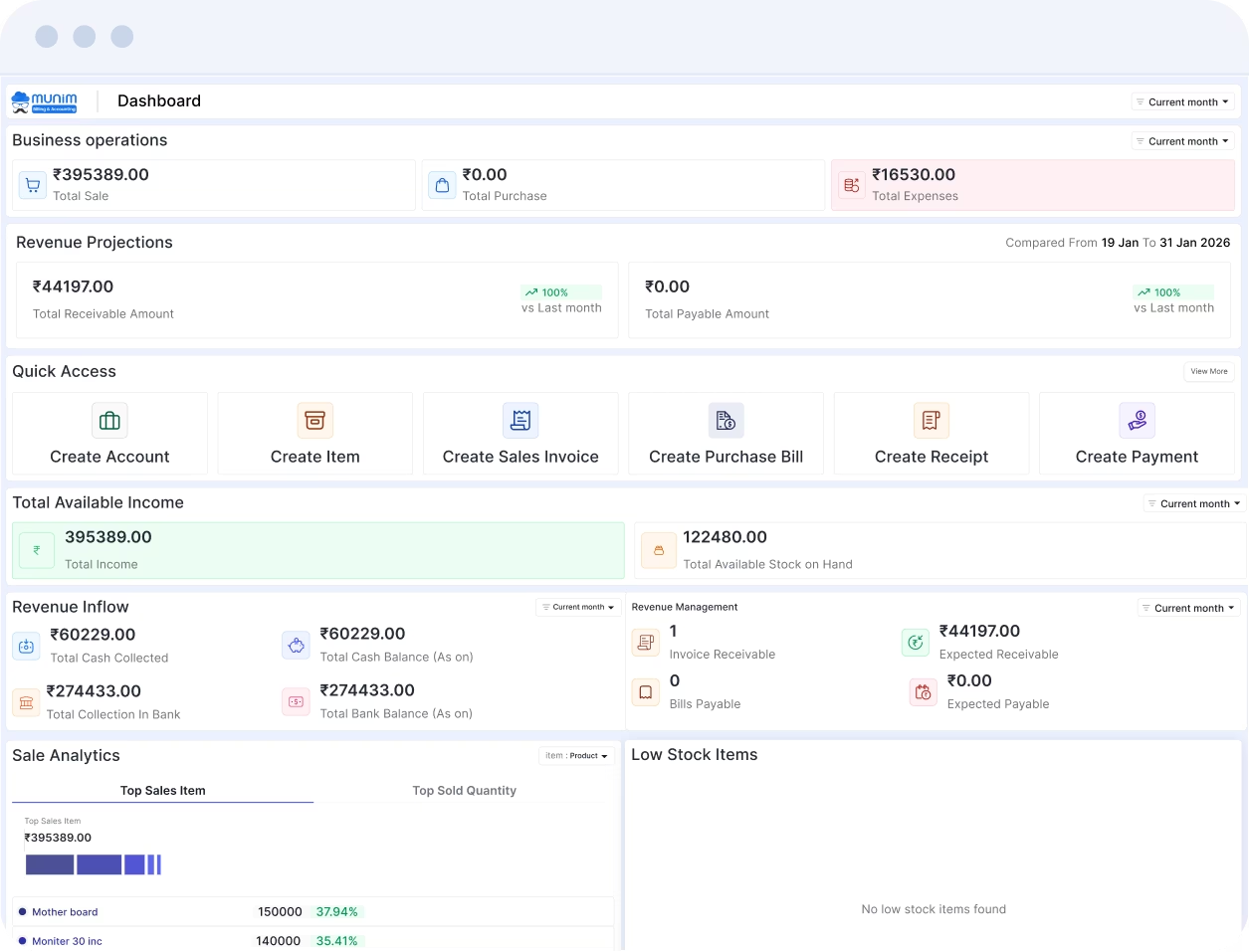
01 / 02 Create quotations, proforma and sales invoices, then share them on WhatsApp or print them.
Assign barcodes to your products, so billing and stock checks take less time.
Track stock with low-stock alerts, HSN/SAC codes and unit conversion for easier billing.
Match ledger entries with your bank statement to find missing transactions.
Get 35+ reports from real-time data, including profit and loss, balance sheet and trial balance.
Record purchase orders, purchase bills and returns in one place, and find them in a few clicks.
 02 / 02
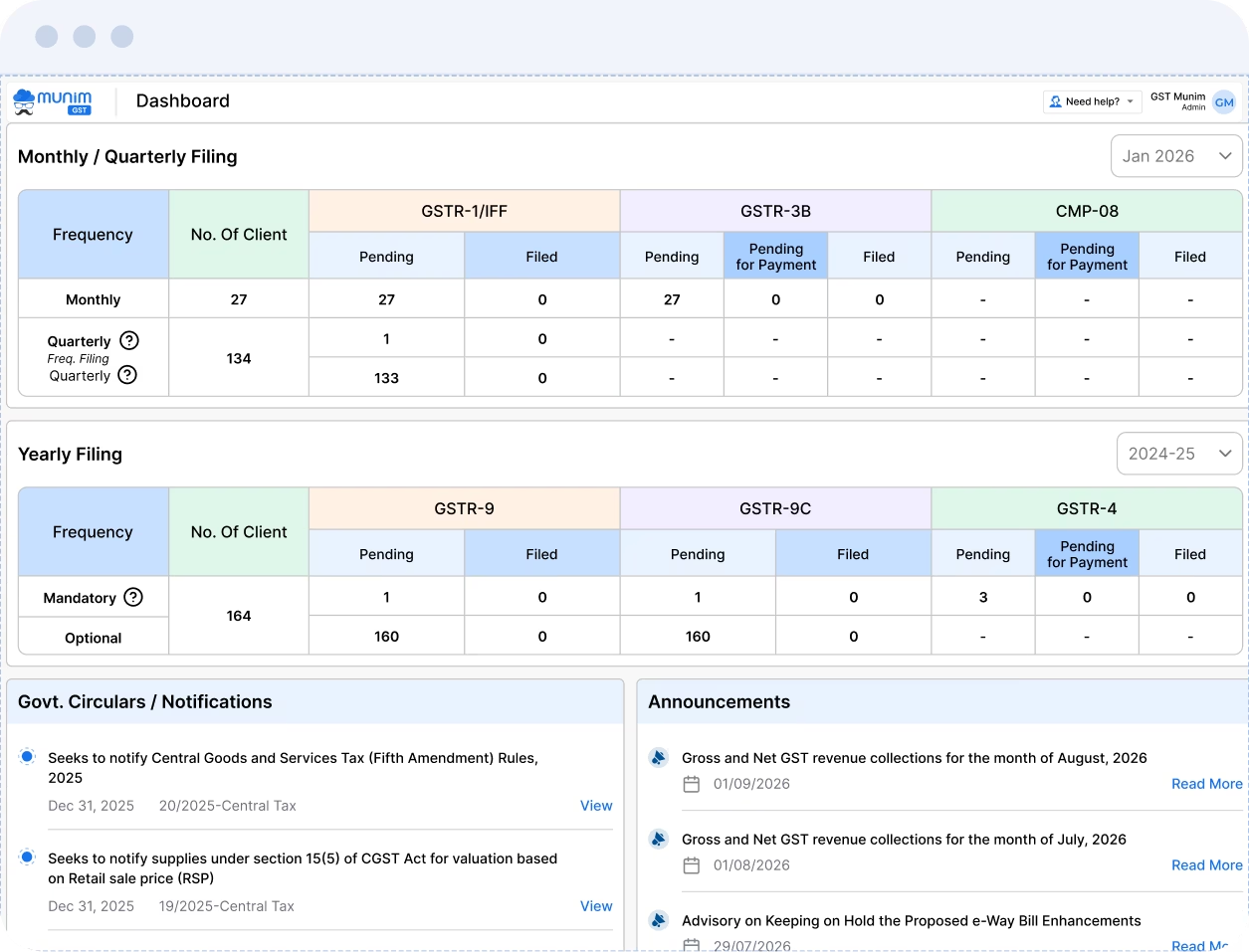
Import sales data from Munim Billing & Accounting, Tally, Excel or JSON, then file GSTR-1/IFF.
Auto-fill GSTR-3B from the GST portal, fix errors with validation checks, then file.
Prepare GSTR-9 from your filed returns, and build the GSTR-9C reconciliation statement.
File the annual GSTR-4 return for composition clients from one auto-filled summary.
Accept, reject or keep supplier invoices pending in IMS before GSTR-2B is computed.
Fetch TDS and TCS credit received from the GST portal, then file it to claim the credit.
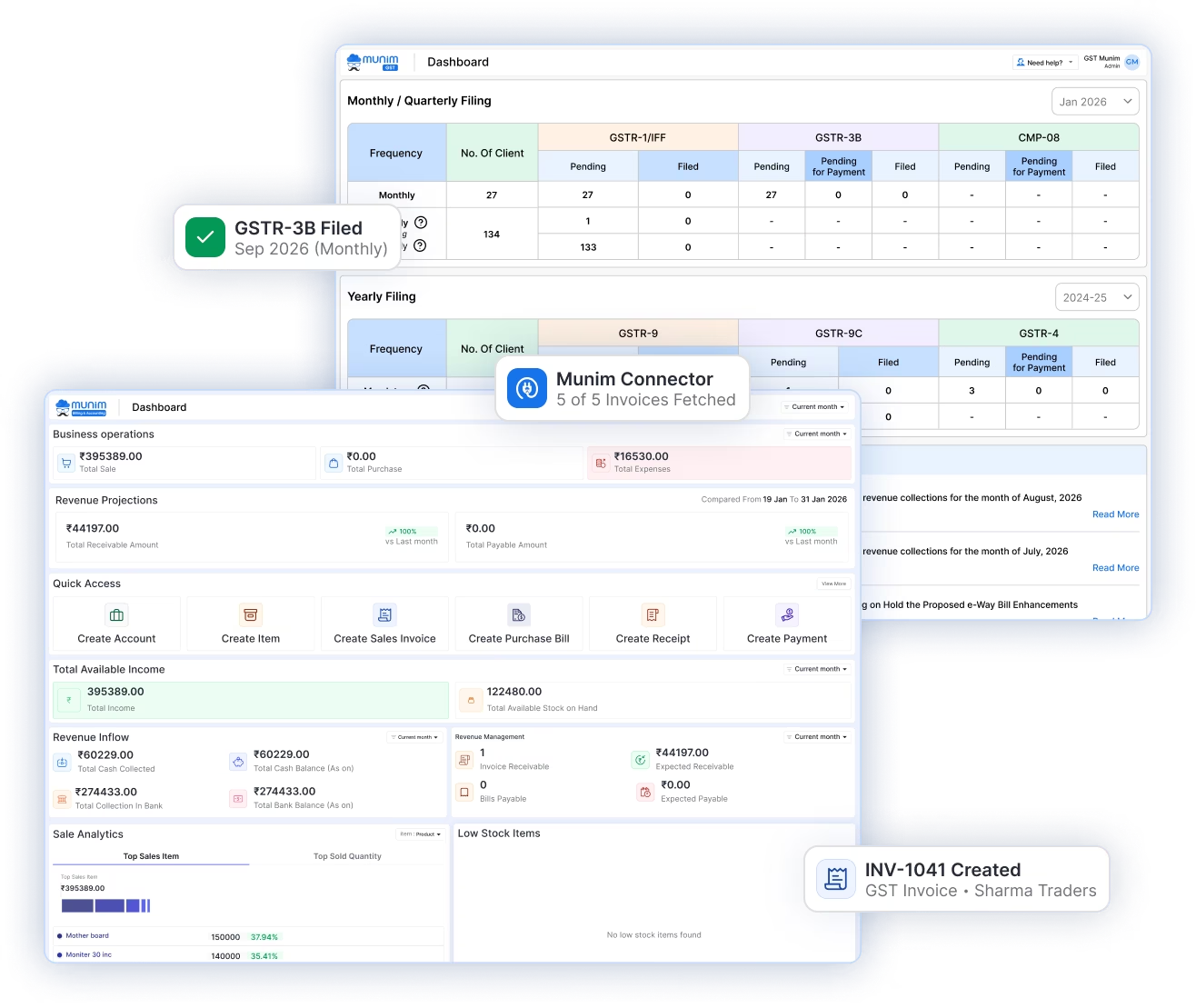
Your business creates quotations and invoices in Munim Billing & Accounting. The Munim Connector in Munim GST then fetches that data, so no one enters it twice.
Send a quotation with saved items and rates on WhatsApp or email.
Convert the approved quotation into a GST invoice, with e-invoice and e-way bill where needed.
Approve the connection once, then your sales data reaches Munim GST in one click.
Match purchase records with GSTR-2A and GSTR-2B, and act on supplier invoices in IMS.
File GSTR-1/IFF and GSTR-3B once the data is checked and matched.
See the latest features added to Munim Billing & Accounting and Munim GST.
Reconcile purchases for GSTINs under one PAN together, up to six at a time.
See How It Works →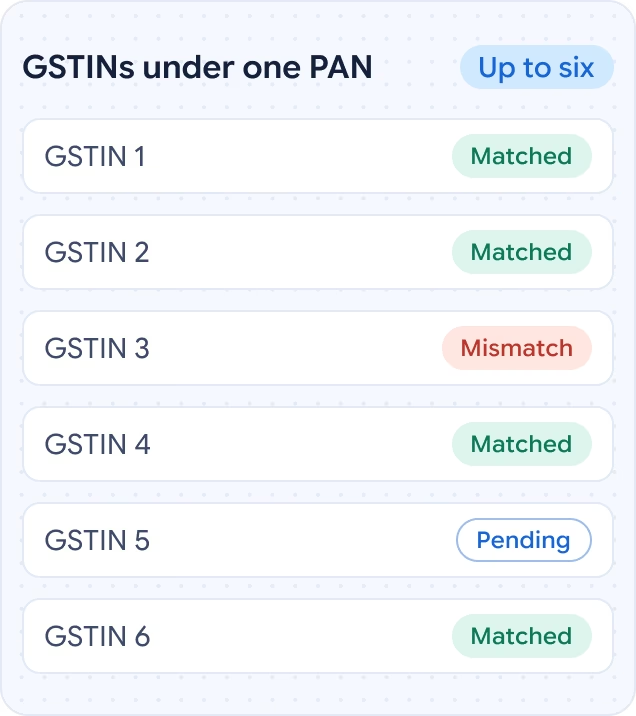
Send reports to clients from your firm’s own email address, set once in Settings.
Read the Guide →
Keep GSTR-3B, CMP-08 or GSTR-4 payment pending, then generate challans from one list.
Read the Guide →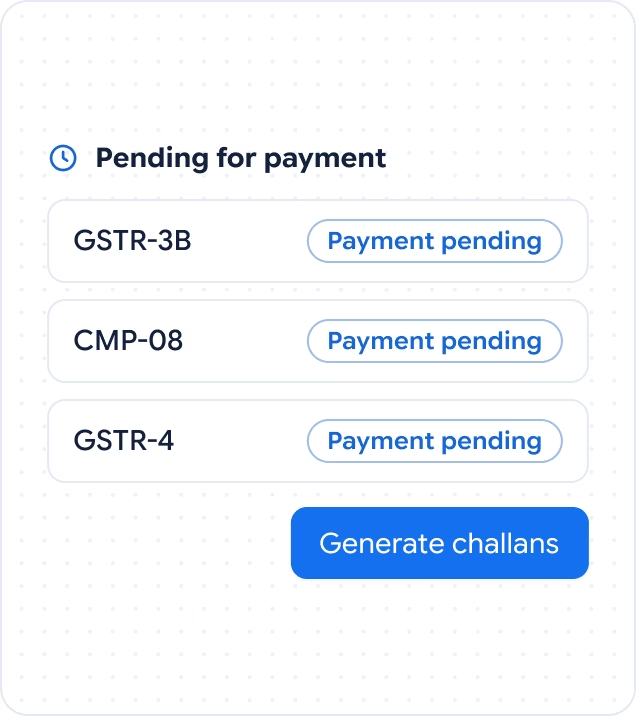
Upload a purchase bill as a PDF or image, check the details, then save the entry.
See How It Works →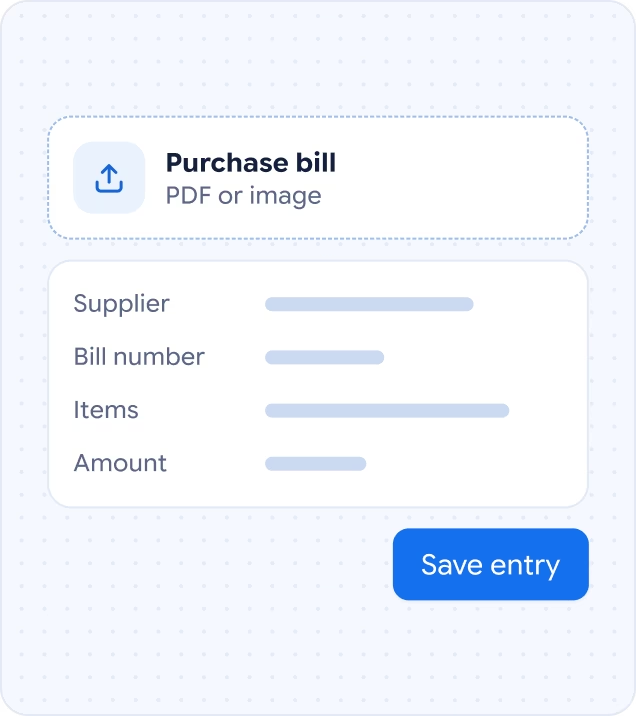
Use Munim Billing & Accounting on your Android phone or iPhone, wherever you work.

Create warehouses, move stock between them and pick the right warehouse on each invoice.
See How It Works →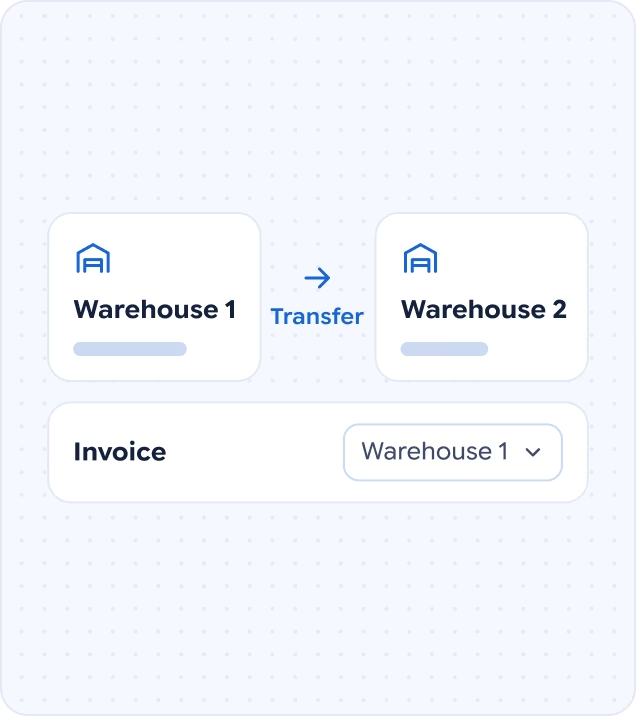
Read what businesses, CAs and tax professionals say about working with Munim.
Reviews from businesses, CAs and tax professionals

Munim app is an excellent software with very useful features and smooth working. Their customer care support is outstanding—instant problem solving, very fast response, and highly cooperative. The support team is always ready to help and resolves issues quickly. Overall, a very reliable and user-friendly software for business needs.

Using Munim has made my daily accounting and billing work much more manageable. It’s simple to use, keeps business records organized, and makes routine tasks quicker. Overall, a practical accounting solution for everyday business needs.

Munim ERP Private Limited is a popular business accounting and ERP software company that simplifies tasks such as GST billing, invoicing, e-invoicing, inventory management, tax compliance, and financial reporting. According to user reviews, it is favored for its user-friendly interface, real-time data, and responsive support services. Many business owners have described it as easy, efficient, and time-saving software, particularly useful for small and medium-sized enterprises. Customer service is also frequently praised in reviews for being prompt and helpful. Overall, Munim ERP is considered a good and reliable business software.

Best Software For GST Filling Easy to use and accurate reports dawnload option

Munim is a simple and useful app for managing accounts, customers, transactions, and bills. The interface is easy to understand and suitable for small businesses. Overall, a good app with potential for further improvement.

User friendly and best and affordable accounting solution, highly recommended

This software is an excellent solution for creating invoices, quotations, purchase orders, and more. It streamlines day-to-day operations effortlessly, allowing users to manage tasks efficiently from anywhere. A true game-changer for productivity and ease of work!

Munim Billing Software is one of the most reliable and user-friendly GST billing solutions I’ve come across. The interface is clean, simple, and easy to navigate ,even for those who are not very tech-savvy. Generating GST invoices, managing stock, and tracking payments have become effortless tasks with this software. One of the best features of Munim is its compatibility with any device ,whether on a desktop, laptop, tablet, or even a mobile phone, the billing experience remains smooth and efficient. It’s perfect for businesses that need flexibility in managing their billing from anywhere. Overall, Munim is a complete and dependable billing software that saves both time and effort while ensuring full GST compliance. Highly recommended for all types of businesses!

I have been using Munim GST Filing Software and found it very efficient and user-friendly. The return filing process is smooth and easy to handle. The reports generated are detailed and accurate, which helps in quick analysis and decision-making. It has significantly saved my time and made GST compliance much simpler. Overall, it’s an excellent software for professionals and businesses. Highly recommended!
Posted on GoogleRead on Google →







Recommend or sell Munim to businesses, and earn commission on every sale and renewal.
No starting from zero. Your Excel records move into Munim Billing & Accounting, and your data from Tally, ClearTax or other accounting software moves into Munim GST. Book a demo.
Compare Munim With Other Software →Use free calculators, online tools, ready formats, and GST guides from the Munim team.
Find quick answers about Munim Billing & Accounting, Munim GST, plans, and support.
Munim is the software brand of Munim ERP Private Limited, based in Surat, Gujarat. Its two products are Munim Billing & Accounting, for billing, stock and books, and Munim GST, for GST return filing and reconciliation. The name comes from the munim, the traditional accountant who kept a trader’s bahi-khata and knew every transaction in it.
No. Each product has its own plans and runs independently. A business can choose to use only the billing & accounting software, and a CA firm can choose the GST product. Munim GST is also built for business owners who file their own GST returns. Those businesses can use both products together.
Businesses that file their own GST returns use both products to keep billing and filing connected. Munim Billing & Accounting records sales invoices, stock and accounts, while Munim GST prepares, reconciles and files the returns. The Munim Connector in Munim GST fetches sales data from the billing software, so the same invoices don’t need to be entered twice.
Both products are paid subscriptions, and each starts with a 7-day free trial that needs no payment to begin. The second product’s trial can be started from the product switch in the web or Windows app, or through its own sign-up. The billing software’s trial also includes AI credits for the AI purchase bill scanner.
One Munim account covers both products, so the same login works on the login page and in the Windows app. A forgotten password can be reset from the login page using the registered mobile number or email address.
Yes. Each plan includes a set number of companies or GSTINs and users, and add-ons raise those limits. The billing software offers extra users, an unlimited-companies add-on and more AI credits. The GST platform offers extra users and additional GSTINs in packs, with current prices on the pricing page.
No. In Munim Billing & Accounting, a business owner invites a CA, accountant or staff member, who signs in with their own credentials. Permissions are set module by module, and a CA invited by several clients gets separate permissions in each company. In Munim GST, a CA firm adds staff with their own logins and picks the client companies each person can open.
Yes. One Windows app installs both Munim products and runs on Windows 7, 8, 10 and later versions. The software is cloud-based, so the desktop app needs a stable internet connection and does not work offline. The installer is available on the download page.
The support team can be reached through these channels: Phone: 9898665536 WhatsApp: 9898660273 Email: support@themunim.com Live chat: the chat window on this website Munim GST users can also request a call back or a remote screen-sharing session from inside the software. Step-by-step guides for both products are in the helpdesk.
Munim ERP Private Limited is certified to ISO/IEC 27001:2022, the international standard for information security management. Logins and password resets are protected with OTP verification. The billing software also keeps an activity log of each user’s actions, and the log cannot be edited.
The billing software suits retailers, wholesalers, distributors, manufacturers, and service businesses. Businesses that sell services instead of goods add their services with SAC codes and invoice them the same way as products.
Yes. Munim Billing & Accounting prints invoices, receipts, delivery challans, credit notes, and other transactional documents in Hindi. No extra setup is needed. Details typed in either language on a voucher print exactly as entered.
Munim offers a 7-Day Product Assurance on the first paid subscription of each product. It applies when a verified major technical issue blocks a core function and is reported within 7 days of purchase. If support cannot resolve the issue, the full amount is refunded. Change of mind and switching to other software are not covered, as set out in the refund policy.