GST Portal Not Working? 5 Reasons Why the GST Site Goes Down
 AuthorMehul Jagwani
 Reviewed ByCA Ajay Savani



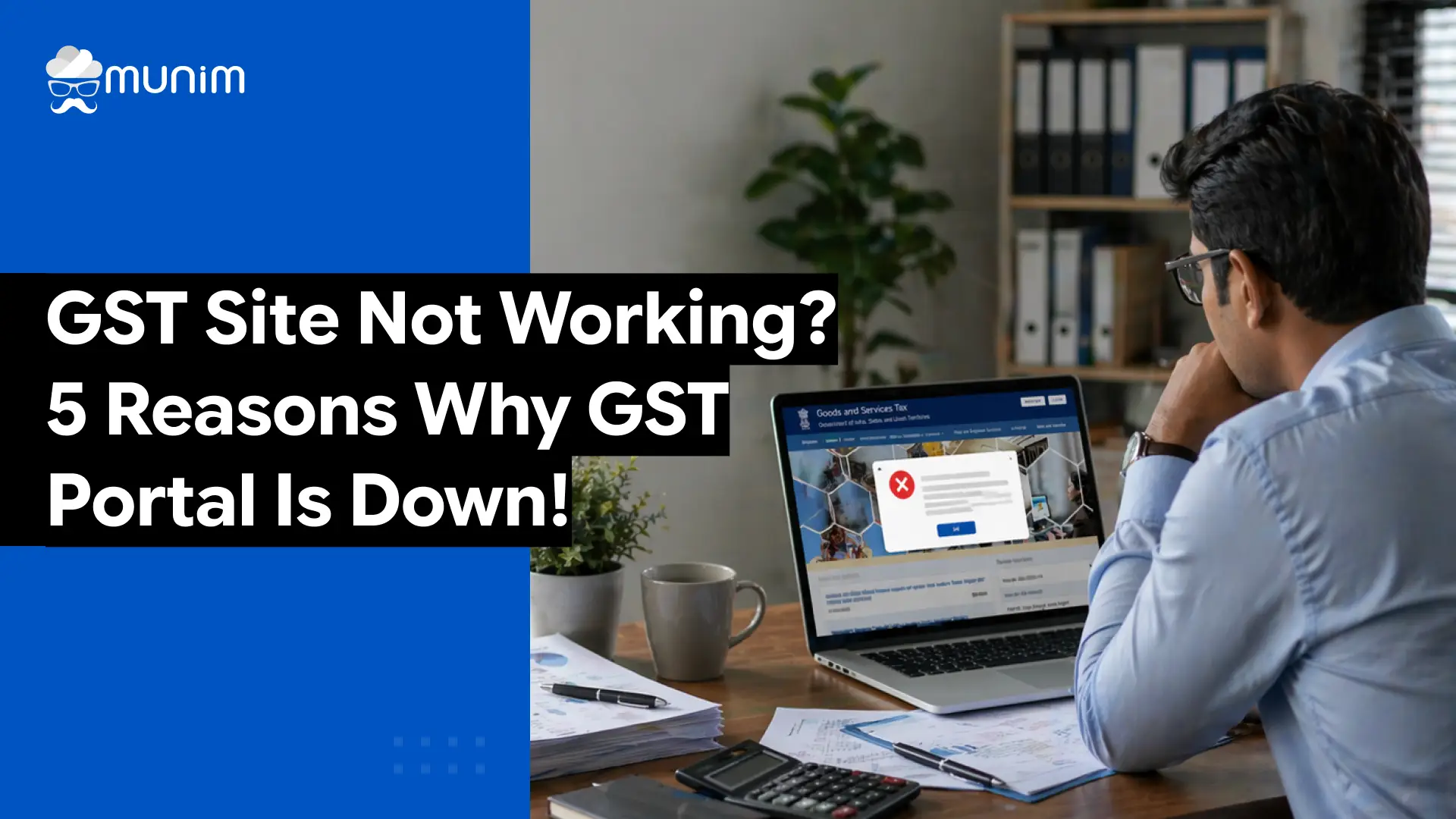
The GST portal (www.gst.gov.in) serves crores of Indian businesses, accountants, and CAs every single day. So when the GST site is not working right before a return filing deadline, panic sets in quickly. This guide explains the five most common reasons why the GST portal goes down, how to confirm it, and what to do in the meantime.
5 Reasons Why the GST Portal is Not Working
Reason 1: Scheduled Maintenance on the GST Site
GSTN regularly takes the portal offline for planned maintenance. Advisories are published in advance on the portal, GSTN’s social media, and via email alerts.
Maintenance usually happens during late nights or early mornings on weekdays. Major upgrades can last 4 to 12 hours.
What to do: Wait for the advisory’s end time and prepare your data offline in the meantime.
Reason 2: Heavy Traffic During Filing Deadlines
Server load spikes sharply around the 11th, 13th, 20th, and 25th of every month due to simultaneous filing by lakhs of businesses and CAs. This causes slow loading, OTP delays, and mid-session timeouts.
What to do: Access the portal between 6 AM and 9 AM on deadline days or file 3 to 5 days before the due date.
Reason 3: System Upgrades and New Feature Rollouts
Backend updates for features like IMS, QRMP, DRC-03, or e-invoicing can make specific portal sections temporarily unavailable, even when the rest of the portal works fine.
What to do: Wait an hour, clear the browser cache, and retry. Check GSTN advisories for confirmation.
Reason 4: Browser and System Compatibility Issues
The problem is often on the user’s side, not the portal’s. Common causes include:
- Outdated Chrome, Firefox, or Edge versions
- Use of Internet Explorer (no longer supported)
- Old browser cache or cookies conflicting with the portal
- Third-party browser extensions blocking page scripts
What to do: Clear cache and cookies, update the browser, and try a different browser.
Reason 5: Internet Connectivity and ISP-Level Issues
Weak broadband, ISP routing problems, or an active VPN can make the portal appear unreachable even when it is fully operational.
What to do: Run a speed test, disable VPN, and switch between mobile data and broadband to isolate the issue.
If you’re facing DSC errors while filing GST returns, check out our guide on how to solve GST DSC errors for a smoother experience.
What to Do When the GST Portal is Down
When the GST website is not working, there are still productive steps to take.
Prepare data in advance. Use this time to reconcile purchase data, match ITC with GSTR-2B, and prepare Excel or JSON files for upload once the portal is back.
Use offline utilities. GSTN provides offline tools for GSTR-1, GSTR-3B, GSTR-9, and more. These tools allow users to prepare return data offline. When the portal comes back, uploading the prepared file takes only a few minutes.
Contact GSTN helpdesk. If the GST portal down situation persists for extended hours and no advisory has been issued, reach out to the GSTN helpdesk at 1800-103-4786 (toll-free). Support is available Monday to Saturday, 9 AM to 9 PM.
How Munim Helps You File GST Returns Without Portal Stress
Even when the GST portal is slow or temporarily inaccessible, having accurate data ready can make all the difference. This is where Munim GST Return Filing Software CAs and businesses becomes invaluable, ensuring smooth and hassle-free filing despite portal issues
Munim allows users to prepare and validate GSTR-1, GSTR-3B, GSTR-9, GSTR-4, and other returns entirely within the software before going to the portal. All data is prepped, reconciled, and verified offline. When the portal is accessible, the upload and submission happens in minutes.
Closing Notes
The GST site not working is a frustrating experience, especially when a filing deadline is hours away. But in most cases, the issue is either temporary and resolves on its own, or it is something that can be worked around with a bit of preparation. Knowing the five core reasons behind portal downtime puts taxpayers and CAs in a much better position to respond calmly rather than panic.
Frequently Asked Questions
1. How do I know if the GST portal is down for everyone or just me?
Use a website status checker tool and enter the GST portal URL. If it shows the site is down for all users, it is a server-level issue. If it shows the site is up, the problem is likely on your device or network.
2. What is the GST helpdesk number when the portal is not working?
The GSTN helpdesk number is 1800-103-4786. It is toll-free and available Monday to Saturday from 9 AM to 9 PM.
3. Can I still prepare my GST return if the portal is down?
Yes. Use the GSTN offline utilities for GSTR-1, GSTR-3B, GSTR-9, and others to prepare your return data offline. You can upload and submit once the portal is restored.
4. What does “GST site under maintenance” mean?
It means GSTN has temporarily taken the portal offline to perform technical maintenance, system updates, or feature upgrades. During this period, all or parts of the portal will be inaccessible. An advisory is usually published in advance with the expected restoration time.
5. What should I do if the GST portal is not loading on my computer?
Clear your browser cache and cookies, update your browser, disable browser extensions, and try a different browser. If the issue continues on multiple browsers, try a different internet connection.
6. Why does my OTP not arrive when the GST portal is busy?
During peak traffic periods, OTP delivery through SMS or email can be delayed because the GST portal’s authentication servers are also under heavy load. Wait a few minutes and request the OTP again. Checking your spam folder for email OTPs is also advisable.
7. Can I access the GST portal on my mobile phone?
Yes, the GST portal can be accessed on mobile browsers. However, for complex tasks such as filing returns, a desktop or laptop browser provides a more stable and complete experience.
8. What browsers work best with the GST portal?
The GST portal works best on the latest versions of Google Chrome, Mozilla Firefox, and Microsoft Edge.
Disclaimer: "This blog post is for informational purposes only. For specific tax advice related to your business, please consult a qualified Chartered Accountant or GST practitioner."
About the author
Related Articles
Explore the latest market news, useful resources for business, and Munim updates.