What is GSTR-6 and How to File?
 AuthorMehul Jagwani
 Reviewed ByCA Ajay Savani
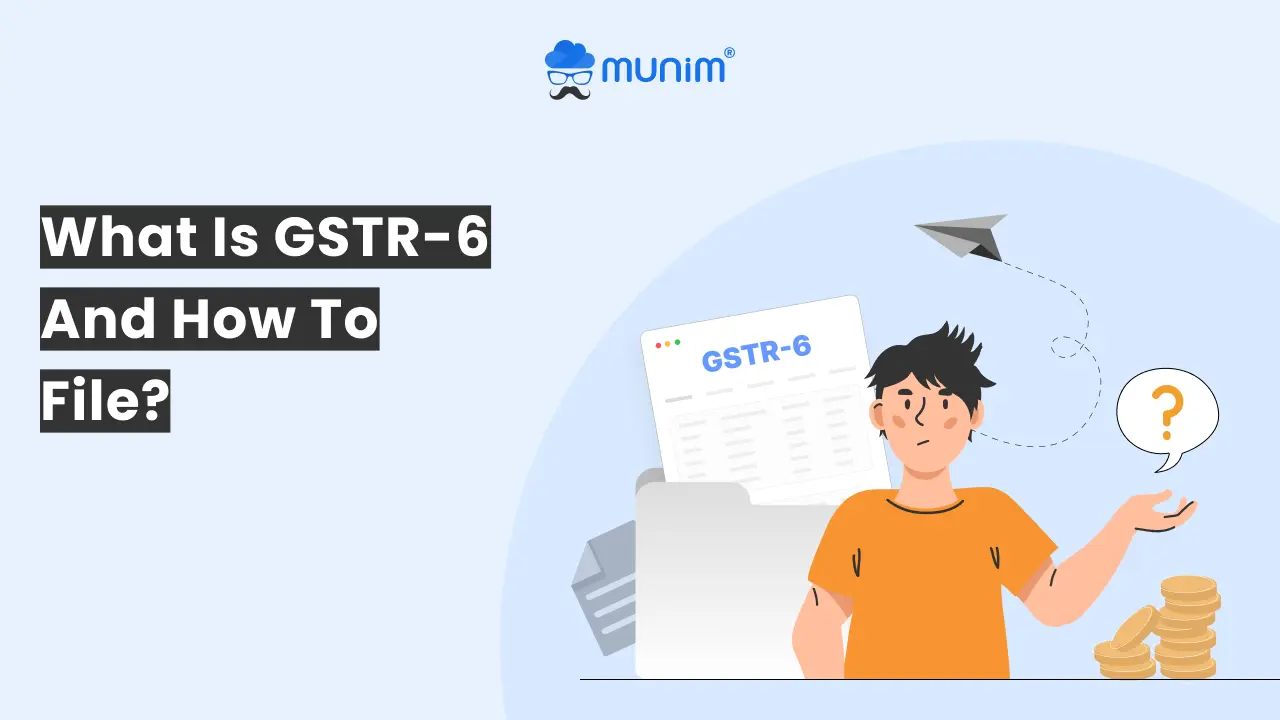
Compared to other GST forms, GSTR-6 is the most complicated one. The reason is that you have to maintain data for all your branches across India. Given the complexity, you must know how to file it efficiently.
In this blog, we will discuss what GSTR-6 is, the GSTR-6 due date, how to file GSTR-6 and much more.
What is GSTR 6?
Imagine that you manage a company and you have multiple branches in India: Delhi, Mumbai, Chennai, Ahmedabad, all these branches purchase services such as software, security, housekeeping, rentals, etc. But instead of all branches claiming their respective input tax credit (ITC) separately, the head office (registered as an ISD) receives all those invoices and forwards the aggregated ITC to all branches.
In simple words, GSTR 6 tells the government: "Here is the input tax credit the ISD received this month and here is how it is shared with each registration."
That is exactly why GSTR 6 is in place.
GSTR 6 is a monthly GST return that has to be filed by Input Service Distributors.
It shows:
- Which invoices were received by ISD
- How much ITC came in
- How was the ITC distributed in the branches?
- Any mismatches, reversals, corrections
- Supplier-wise details auto-populated from GSTR-1.
What is GSTR 6 Due Date
The official GSTR 6 due date is the 13th of each month and covers the transactions of the previous month.
For example:
- Return for January 2026 - Due on 13th February 2026
- Return for February 2025 - Due on 13 March 2026
Why is this date important?
Since the ITC distribution reflected in GSTR-6 has an impact on your recipient branches. Late filing means delayed ITC, interest calculation issues and even possible compliance flags.
Who Should File GSTR 6?
You must file GSTR 6 if any of the following cases are applicable to you:
- Your business is having a central office registered as an Input Service Distributor (ISD) under GST.
- That ISD registration receives invoices for services used by a number of GST registrations of the same PAN, e.g. branches in different states.
- You distribute ITC from that ISD registration to other GSTINs of your organisation.
If you are a regular GST-registered business and not an ISD-registered business, GSTR 6 is not applicable to you. It is not for composition taxpayers, non-resident taxpayers, or single registration entities without an ISD structure.
So if you are reading this for your head office that receives a common service invoice and has to distribute credit, yes, GSTR 6 is your return.
Key Details to be Provided in GSTR 6
Before you even start thinking about how to do GSTR 6, this section will help you know what goes inside the GSTR 6 form:
- Basic details: GSTIN of ISD, legal name and return period (month and year).
- ITC received for distribution: All invoices where the ISD is a recipient (included vendor details, invoice numbers, dates, taxable value and tax amounts).
- Total ITC/Eligible ITC/Ineligible ITC to be distributed: This section contains the ITC of the distributor divided into total ITC, eligible ITC, and ineligible ITC.
- Distribution of input tax credit reported in Table 4: This section is where the whole distribution of ITC is mentioned by the ISD in the GSTR-6 form.
- Amendments in information furnished in earlier returns in Table No. 3: Any mistakes in the invoice submitted earlier can be amended in this section.
- Input tax credit mismatches and reclaims to be distributed in the tax period: Changes to the total ITC due to mismatch or ITC reclaimed on rectification of mismatch can be done in this section.
- Distribution of input tax credit reported in Tables 6 and 7: Changes to be made to the amount of credit distributed to dealers as per details provided in Table 6 or 7 can be done here.
- Redistribution of ITC distributed to the wrong recipient: Any incorrect distribution of ITC to the dealers
- Late Fees: Details of the late fees to be provided here.
- Refund claimed from electronic cash ledger: This section includes details of the refund claimed from the electronic cash ledger.
How to File GSTR 6
If you've ever thought to yourself, "Where do I even begin?", here's the simplest process you'll find.
Step 1: Log In to the GST Portal
Go to the official portal and log in with your ISD credentials.
Step 2: Select GSTR 6 Under "Returns Dashboard"
Select the Financial year and month for which you want to file for
Step 3: Check the Auto-populated Data of the invoice
This information is obtained from the GSTR-1 filing of your Vendors.
Check for:
- Missing invoices
- Incorrect GSTIN mapping
- Wrong amounts
- Duplicate entries
Step 4: Add Any Missing Details
If some of the vendors have not filed their invoices yet, you need to add them manually and follow up with the supplier.
Step 5: Distribute the ITC
Specify:
- To which branch, how much ITC
- Credit break-up between CGST, SGST, and IGST
Example:
Suppose your Mumbai branch took a service of ₹50,000; the ITC can be allocated on a proportionate basis.
Step 6: Review and Submit
Double-check every column. A minor mistake in typing can touch several branches and take hours to fix.
Step 7: File Using DSC or EVC
Your filing is complete when you submit the return either with DSC or EVC.
Prerequisites Before You File GSTR 6
Have you ever sat down to file a return and realised that half the details were missing? In order to begin GSTR 6 filing in a proper manner, you need to make sure that you have:
- A valid GSTIN registered as ISD for your Head Office.
- Details of all the input service invoices received during the month.
- Correct the recipient GSTIN (branches/units) to which the ITC will be issued.
- Summary of ITC to be distributed, including any blocked ineligible ITC.
- Break up of CGST, SGST, IGST
A Quick Example to Make It Crystal Clear
Imagine your head office purchases a digital marketing service whose cost is ₹1,00,000 with 18% GST.
So, ITC = ₹18,000.
Branches using the service:
Branch A - 50%
Branch B - 30%
Branch C - 20%
Then the ITC distribution becomes:
Branch A - ₹9,000
Branch B - ₹5,400
Branch C - ₹3,600
This distribution is stored and recorded in GSTR-6.
Simple, right?
GSTR 6 Due Date
If you miss the GSTR 6 deadline, the following are the late fees you may be charged:
Late fee: ₹50 per day (₹25 CGST + ₹25 SGST)
Your Next Step
So now, if someone in your team asks you, 'What is GSTR 6?', you can confidently say: It is the monthly return through which ISDs share input tax credit with their own branches located in different cities, wherein it must be filed by the 13th of every month to avoid late fee and issues of ITC. And when they ask "How to file GSTR 6?" you know the whole process, step-by-step.
Frequently Asked Questions
What is GSTR 6 in Hindi?
GSTR 6 एक मासिक GST रिटर्न है जो केवल Input Service Distributor (ISD) द्वारा भरा जाता है। इसमें ISD द्वारा प्राप्त इनपुट टैक्स क्रेडिट (ITC) और उसे अलग-अलग शाखाओं में कैसे बांटा गया, इसकी पूरी जानकारी होती है। यह रिटर्न हर महीने की 13 तारीख तक दाखिल करना ज़रूरी है.
Who can file GSTR 6?
Only Input Service Distributors (ISDs) can file GSTR-6.
How to distribute input in GSTR-6?
ISD distributes ITC based on the services consumed by a particular branch. In the GSTR-6 form, you just have to fill in the GSTIN of the branch, specify the amount to be credited and divide the IGST/CGST/SGST respectively.
How to download an offline utility tool for GSTR 6?
Navigate to GST portal —> Downloads —> Select Offline Tools —> GSTR 6 Offline Utility. Get the ZIP file, unzip it and install the tool in your system.
How to file GSTR 6 online for NIL return?
Here is the step-by-step process for filing the GSTR 6 NIL return:
Step 1: Log in to the GST portal.
Step 2: Go to the Returns Dashboard.
Step 3: Select GSTR 6.
Step 4: Select ‘File NIL Return’.
Step 5: Verify with DSC/EVC.
About the author

Related Articles
Explore the latest market news, useful resources for business, and Munim updates.