How to Download/Print Udyam Registration Certificate Online?
 AuthorMehul Jagwani
 Reviewed ByMadhav Bhayani



- Who Can Download the Udyam Certificate?
- Step-by-Step Process/Guide to Download Udyam Certificate
- What If the Udyam Registration Number Is Not Available?
- What is Difference between Udyam Aadhar and Regular Udyam Certificate?
- Common Issues People Face During Udyam Certificate Download (And How to Fix Them)
- How the Udyam Certificate Looks: What to Check After Downloading
- When Should a Business Update Its Udyam Registration?
- A Real Life Example Worth Knowing
- A Quick Checklist Before Downloading the Udyam Certificate
- Conclusion
- Frequently Asked Questions on Udyam Certificate Download
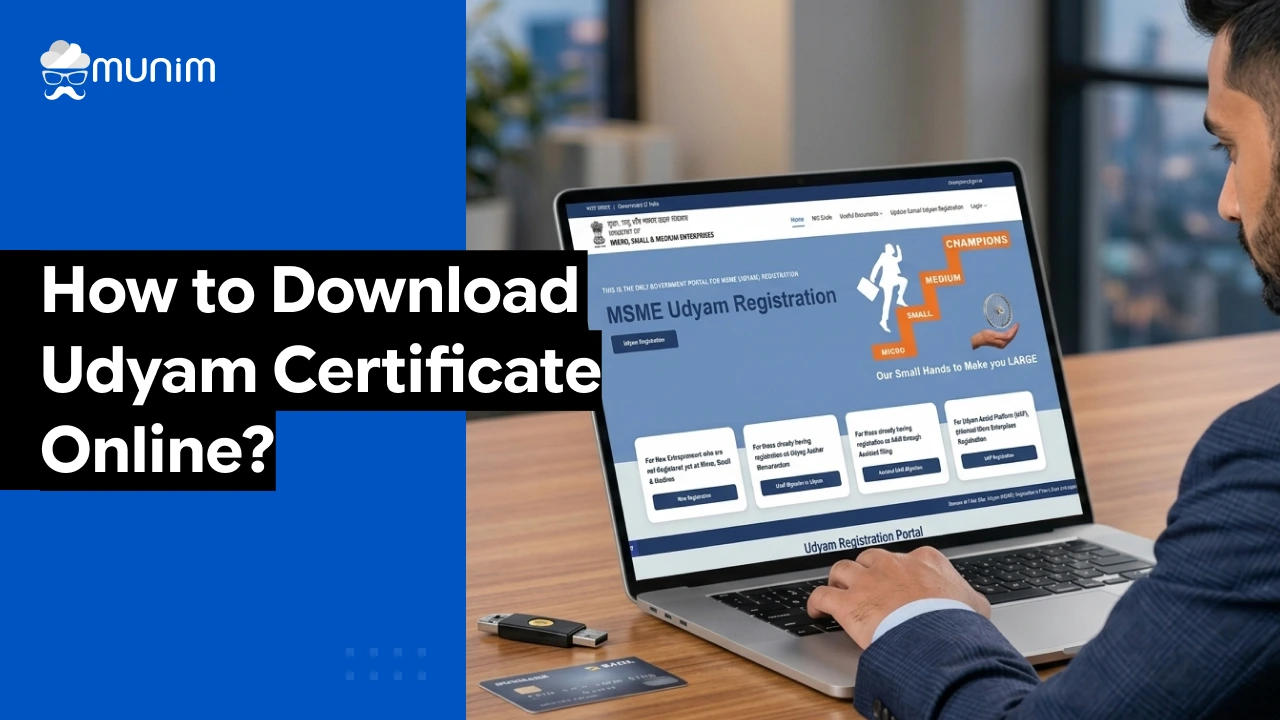
Starting a business in India? Getting your udyam certificate online is now easier than ever! It helps you access government benefits, loans, and subsidies without any hassle.
Follow this simple step-by-step guide and download your udyam certificate in just a few clicks!
Who Can Download the Udyam Certificate?
Any business that has completed Udyam Registration on the official portal can download the certificate. This includes:
- Proprietorship firms owned by individual entrepreneurs
- Partnership firms
- Limited Liability Partnerships (LLPs)
- Private Limited Companies
- Hindu Undivided Families (HUFs)
- Co-operative Societies and Trusts
The only requirement is that the business must have a valid Udyam Registration Number. If someone registered earlier under Udyog Aadhar and migrated to the Udyam portal, they will have a new URN, and the Udyam Aadhar download process applies to them as well.
Step-by-Step Process/Guide to Download Udyam Certificate
Let us get into the actual steps. This is the part most people are searching for, and this guide will not make it complicated.
Step 1: Visit the official Udyam Registration Portal — udyamregistration.gov.in
Step 2: On the homepage, look for the option that says “Print/Verify Udyam Certificate” or go to the “Udyam Registration Certificate” section under the Print/Download menu.
Step 3: Click on “Print Udyam Certificate.”
Step 4: Enter the Udyam Registration Number (URN) — the 16-digit number that starts with “UDYAM-” followed by the state code and a unique number. For example: UDYAM-GJ-01-0012345.
If the URN is forgotten, it can be found by using the “Forgot URN” option on the portal, which sends the URN to the registered mobile number via OTP verification.
Step 5: Enter the registered mobile number or email ID associated with the Udyam registration.
Step 6: An OTP will be sent. Enter the OTP to verify.
Step 7: The Udyam registration certificate will appear on screen. There will be a “Print” or “Download” option at the top of the certificate.
Step 8: Click on “Print” to send it directly to a printer, or click “Download” to save it as a PDF and print it later.
That is the complete process to print Udyam certificates from the official portal.
Important: Always print the certificate in colour if possible. The QR code on the certificate is used for verification purposes, and a clear print ensures it scans correctly.
What If the Udyam Registration Number Is Not Available?
This is a very common situation. Someone registered the business months or even years ago, and the registration number is simply not at hand. Here is what can be done.
Go back to the Udyam portal homepage and look for the option that says “Forgot Udyam Registration Number.” By entering the Aadhaar number of the applicant and the OTP sent to the registered mobile, the portal will display the Udyam Registration Number on screen.
Speaking of Aadhaar, many MSME owners also frequently need to manage their Aadhaar linked details. Munim has a helpful resource on Aadhaar card update online and offline that is worth bookmarking alongside this guide.
Once the registration number is recovered, the download steps mentioned above can be followed as usual.
What is Difference between Udyam Aadhar and Regular Udyam Certificate?
The old Udyog Aadhar Memorandum (UAM) system was replaced by the new Udyam Registration system in July 2020, as notified by the MSME Ministry. Businesses that had registered under Udyog Aadhar were asked to migrate to the new system. After migration, those businesses received a new Udyam Registration Number and a new certificate.
When people search for Udyam Aadhar download, they are usually looking for either:
- Their old Udyog Aadhar certificate, or
- The new Udyam Certificate that replaced it after migration
For businesses that still need to migrate, they can do so at udyamregistration.gov.in under the option that reads “For those already having registration as UAM.”
Once migrated, the Udyam certificate download process is exactly the same as described in the steps above.
Common Issues People Face During Udyam Certificate Download (And How to Fix Them)
Does that make sense so far? Good. But what about when things do not go as planned? Because sometimes the portal does not cooperate, and it helps to know what to do.
Issue 1: OTP Not Received
This is one of the most reported problems. The OTP simply does not arrive on the mobile number.
Fix: Check if the registered mobile number is still active. If it was changed after registration, the portal may still be sending OTPs to the old number. In such cases, contact the Udyam helpline at 1800-111-955 (toll free) or raise a grievance on the portal itself.
Issue 2: Certificate Shows Old or Incorrect Business Details
Sometimes after downloading, the certificate may show details that are outdated. Business address, turnover figures, or NIC codes may be wrong.
Fix: Log in to the Udyam portal using the registration credentials and update the information under the “Update Udyam Certificate” section. After updating, download the certificate again. Keeping business records accurate is also something Munim’s financial reports feature helps with on the accounting side, generating real time data that can be referenced when updating government records.
Issue 3: Certificate Not Opening Properly
Some users report that the PDF does not open or appears blank.
Fix: Try opening the PDF in a different application, such as Adobe Acrobat Reader. If using a mobile phone, save the file to storage first, then open it. Also try using a different browser like Chrome or Firefox to initiate the download.
Issue 4: Portal Is Slow or Unresponsive
The Udyam portal can be slow during peak hours, especially closer to deadlines for government scheme applications.
Fix: Try accessing the portal early in the morning, before 9 AM, when traffic is lower. Avoid accessing it during the last days of any scheme deadline when thousands of businesses are trying to log in simultaneously.
How the Udyam Certificate Looks: What to Check After Downloading
Once the Udyam certificate download PDF is saved, it is worth spending a moment to verify its contents. The certificate should include:
- Udyam Registration Number in the format UDYAM-XX-00-0000000
- Name of Enterprise
- Type of Organization (Proprietorship, Partnership, etc.)
- Major Activity (Manufacturing or Services)
- Social Category of the entrepreneur
- Date of Incorporation / Commencement of Production
- National Industry Classification (NIC) Code
- Investment in Plant and Machinery or Equipment
- Turnover
- Date of Udyam Registration
All of this information is auto populated from the Aadhaar and PAN data provided during registration. If any of it looks incorrect, it must be updated before the certificate is submitted anywhere.
Turnover figures, in particular, need to be accurate. This is where having a proper accounting system matters. Businesses that use Munim’s billing and accounting software always have updated turnover data on hand, which makes updating the Udyam portal much simpler when the annual revision time comes.
When Should a Business Update Its Udyam Registration?
Getting the Udyam registration certificate is not a one-time thing and then forget it. There are situations where the registration details need to be updated.
The most common ones are:
- Change in turnover: If annual turnover crosses into a higher MSME category (say, from micro to small), the classification on the certificate should reflect that.
- Change in investment: If new machinery or equipment is added, the investment figures need to be updated.
- Change in GST registration status: If a business gets GST registration after registering on Udyam, the GST number should be linked.
- Change in bank account or address: These details should be kept current.
Updates can be made by logging into the Udyam Registration Portal using the URN and the registered mobile number. The process is the same kind of OTP-based login used during registration.
A Real Life Example Worth Knowing
Consider a small garment manufacturer in Ahmedabad who registered under Udyog Aadhar back in 2018. When she tried to apply for a loan under a state government scheme in early 2026, the bank officer told her that the old Udyog Aadhar certificate was no longer valid and that she needed a current Udyam Registration certificate.
She had no idea she needed to migrate. After a quick visit to the Udyam portal, she completed her migration in under 30 minutes. The new certificate was in her hands, and the loan was processed within the week.
This is not an unusual story. Tens of thousands of business owners across India are in the same situation. For garment businesses specifically, Munim offers dedicated accounting software for clothing and garment businesses that keeps inventory, billing, and compliance running smoothly alongside the Udyam Registration.
The point is: the process is easier than it seems, and the earlier it is done, the better.
A Quick Checklist Before Downloading the Udyam Certificate
Before starting the download process, have these things ready:
- The Udyam Registration Number (or the Aadhaar number to recover it)
- Access to the registered mobile number for OTP
- A stable internet connection
- A PDF viewer app or software on the device
- Updated Aadhaar details if the mobile number has changed recently
That is it. Five things. Not complicated at all.
Conclusion
Getting your Udyam Registration Certificate online is quick, simple, and completely hassle-free. It opens doors to government benefits, faster loans, and new growth opportunities for your business. Even if you’ve misplaced your certificate, you can reprint it anytime from the official portal.
Frequently Asked Questions on Udyam Certificate Download
1. Is Aadhaar mandatory for Udyam Registration?
Yes. Aadhaar is the backbone of the entire Udyam Registration process. The applicant’s Aadhaar number is required to register, update, or download the Udyam Certificate.
2. What if the Aadhaar registered mobile number is no longer active?
If the mobile number linked to Aadhaar is inactive or lost, the first step is to update the Aadhaar mobile number at the nearest Aadhaar Seva Kendra or via the mAadhaar app.
3. Can a business have both Udyog Aadhar and Udyam Registration?
No. Once a business migrates to the new Udyam Registration system, the old Udyog Aadhar registration is automatically deactivated.
4. Is Udyam Registration free of cost?
Yes, completely free. The official government portal at udyamregistration.gov.in charges nothing for registration, migration, or certificate download.
Useful Links from Munim:
- GST Return Filing Software
- Accounting and Billing Software
- GSTR-3B Return Filing
- GSTR-1 Return Filing
- Bookkeeping Software
- Business Loan Calculator
- mAadhaar App Guide
Disclaimer: "This blog post is for informational purposes only. For specific tax advice related to your business, please consult a qualified Chartered Accountant or GST practitioner."
About the author

Mehul is a seasoned content writer with a passion for simplifying complex accounting and GST topics. With a keen interest in entrepreneurship and business management, he specializes in creating informative and engaging content for themunim.com. His goal is to help businesses understand and implement accounting and GST software solutions effectively. When he's not crafting content, Mehul enjoys exploring new places and spending time with his Golden Retriever.
Related Articles
Explore the latest market news, useful resources for business, and Munim updates.