How to Track Inventory Efficiently with Accounting Software
 AuthorMehul Jagwani
 Reviewed ByCA Ajay Savani



Summary:
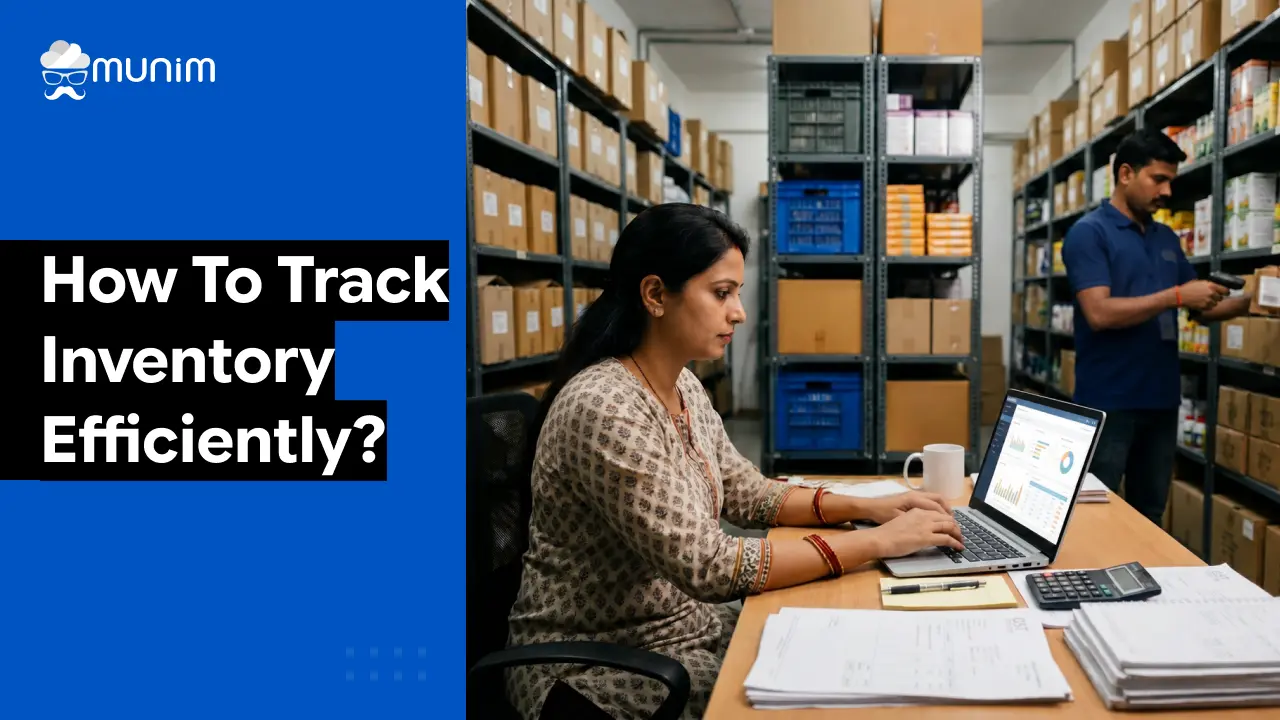
Tracking inventory accurately is something many small businesses in India often overlook, but it can make a big difference in day-to-day operations. While manual registers or spreadsheets might work in the beginning, they quickly become hard to manage as the business grows. With accounting software that has built-in inventory tracking, everything, from stock updates and billing to compliance, stays organized in one place, helping reduce errors and save a lot of time every week.
Inventory mismanagement is expensive. Items go missing, stock gets duplicated in records, and business owners often discover shortages only when a customer has already placed an order. For Indian small businesses especially, where margins are thin and GST compliance adds another layer of complexity, knowing how to track inventory accurately can make a genuine difference to the bottom line.
Accounting software has evolved well beyond just bookkeeping. Today, good cloud-based accounting tools handle stock movement, generate inventory reports, flag low-stock items, and connect directly to billing and GST filing workflows. This article walks through how to set that up, what to look for, and how small businesses can get the most out of it.
How to Set Up Inventory Tracking in Accounting Software
Step 1: Create a complete product or item master
The first step is entering all products or services into the software. Each item should have:
- A unique item name or SKU
- Unit of measurement (pieces, kilograms, metres, etc.)
- HSN or SAC code for GST
- Purchase price and selling price
- Opening stock quantity and value
This is the foundation. If item details are incomplete or inconsistent, the entire tracking system produces inaccurate results.
Step 2: Record all purchases through the software
Every purchase from a supplier should be entered as a purchase invoice or bill in the software, not noted separately. This is how stock gets added to the system. The software then increases the stock count for that item automatically.
Good accounting software allows attaching the supplier’s GST invoice and captures IGST, CGST, or SGST breakdowns. This becomes useful when reconciling GSTR-2B for ITC claims.
Step 3: Raise all sales invoices through the software
Similarly, every sale must go through the software. When an invoice is raised for a customer, the system deducts that quantity from stock. This creates a clean, real-time picture of what is available at any point.
If there are sales through multiple channels, such as direct sales, e-commerce, or wholesale, each channel should feed into the same system.
Step 4: Set reorder levels
Most accounting software allows businesses to define a minimum stock level for each product. When stock falls below that level, the system generates an alert. This removes the guesswork from procurement and prevents stockouts.
For example, a stationery shop selling 200 pens a week might set the reorder level at 300 units. The moment stock drops to 300, a notification goes out to the purchase team.
Step 5: Conduct periodic stock audits
Software tracking is accurate only when the data entered is accurate. A physical stock count every month or quarter helps verify that the system records match actual stock on hand. Any variance can then be investigated and adjusted.
Most accounting software allows users to enter stock adjustment entries to account for damage, theft, or spoilage.
Automate product and stock management with integrated inventory systems. Read Now!
How to Keep Track of Inventory for Small Business: Practical Tips
Small businesses face specific challenges. Staff strength is limited, processes are informal, and there is rarely a dedicated inventory manager. Here is how to keep track of inventory for small business operations without over-complicating things.
Use one system for billing and inventory
The biggest mistake small businesses make is maintaining separate tools for billing and stock. When billing happens in one application and stock records are in a spreadsheet, they never stay in sync. Using accounting software that handles both ensures automatic reconciliation.
Categorise products sensibly
Group products into logical categories such as raw materials, finished goods, and consumables. This makes reports more readable and helps in understanding which category is driving costs or revenue.
Track batch numbers and expiry dates where relevant
For businesses dealing with medicines, food products, or items with an expiry date, tracking batch numbers is important. Modern accounting software supports this and allows stock to be depleted on a first-in, first-out (FIFO) basis.
Do not ignore purchase returns and sales returns
Purchase returns (items sent back to suppliers) and sales returns (items returned by customers) must be recorded immediately. These entries affect both stock levels and GST liability. Missing them leads to inaccurate stock figures and ITC mismatches.
Use barcode scanning where possible
Some accounting software supports barcode-based stock entry. For retail businesses handling hundreds of SKUs, this drastically reduces data entry time and human error.
Simplify Your Business Operations
Designed to give you speed, control, and accuracy in daily accounting tasks.
 Save time with automated accounting workflows
- Get 35+ detailed business reports easily
- Access your business anytime, anywhere
 Save time with automated accounting workflows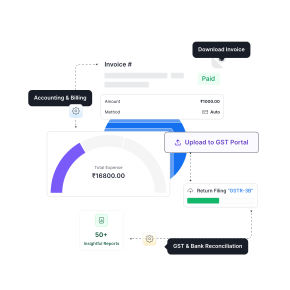
Common Inventory Tracking Methods and Which One to Use
Understanding the different methods helps in choosing the right approach within the software.
Perpetual inventory method
This is what accounting software does by default. Every purchase and sale updates stock in real time. The stock balance is always current. This is the most accurate method and the one recommended for businesses filing GST returns.
Periodic inventory method
Under this method, stock is counted physically at fixed intervals, say monthly or quarterly, and records are updated at that point. It is simpler but less accurate. It does not suit businesses with high transaction volumes.
FIFO (First In, First Out)
Stock purchased first is sold or used first. This is standard for perishable items and is supported by most accounting software.
LIFO (Last In, First Out)
Stock purchased most recently is used first. This is less common in India and not preferred from a GST perspective.
Weighted average cost method
The average cost of all inventory is used for valuation. This smooths out price fluctuations and is commonly used for raw materials.
Most Indian SMEs work best with perpetual inventory using FIFO, which is what cloud accounting software typically defaults to.
How to Track Inventory for Small Business: A Practical Example
Consider a small textile trader in Surat dealing in 50 to 60 fabric varieties. Earlier, the owner maintained a handwritten register and a separate Excel sheet for GST.
After moving to accounting software:
- Every purchase from the mill is entered as a purchase bill with the supplier’s GSTIN, HSN code, and GST amount. Stock updates automatically.
- When fabric is sold to a retailer, the invoice is raised in the software. The fabric quantity is deducted from stock.
- At the end of the month, a stock report shows exactly how many metres of each variety are available.
- The software flags two varieties that are running low, allowing the owner to reorder before they run out.
- Since purchase and sales data is in the same system, GSTR-1 and GSTR-3B filing takes significantly less time.
The owner no longer needs a separate person to manage stock records. The process is cleaner, faster, and audit-ready.
Run your business efficiently with real-time inventory and financial reporting. Know More!
Frequently Asked Questions
What is an automated inventory tracking system?
It is a system where stock levels update automatically based on sales and purchase transactions, without any manual data entry after the initial setup. Most modern accounting software includes this by default.
How does inventory tracking help with GST filing?
When billing and inventory are in the same software, taxable values, HSN codes, and GST amounts are always accurate. This makes GSTR-1 and GSTR-3B preparation faster and reduces errors that could trigger notices.
How often should small businesses do a physical stock count?
Monthly counts work for high-transaction businesses. Quarterly counts are adequate for slower-moving inventory.
Can accounting software track inventory across multiple locations?
Yes, most mid-level and advanced accounting software supports multi-location or multi-warehouse inventory tracking.
Is barcode scanning useful for small businesses?
Yes, especially for businesses handling many different products. Barcode scanning reduces data entry errors and speeds up billing significantly.
Conclusion
Tracking inventory well is not about complicated systems. It is about consistency. When every purchase and every sale goes through the same accounting software, stock records stay accurate almost automatically. The business spends less time chasing discrepancies and more time focusing on growth.
For Indian small businesses managing GST compliance alongside daily operations, having inventory and billing in one place is a practical necessity, not a luxury. It makes audits manageable, reduces filing errors, and gives the business owner reliable numbers to make decisions with.
Disclaimer: "This blog post is for informational purposes only. For specific tax advice related to your business, please consult a qualified Chartered Accountant or GST practitioner."
About the author

Mehul is a seasoned content writer with a passion for simplifying complex accounting and GST topics. With a keen interest in entrepreneurship and business management, he specializes in creating informative and engaging content for themunim.com. His goal is to help businesses understand and implement accounting and GST software solutions effectively. When he's not crafting content, Mehul enjoys exploring new places and spending time with his Golden Retriever.
Related Articles
Explore the latest market news, useful resources for business, and Munim updates.