How to Amend GSTR-1 After Filing B2B Invoices: Time Limit & Step-by-Step Process
 AuthorMehul Jagwani
 Reviewed ByMadhav Bhayani



- What Is the Time Limit to Amend GSTR-1?
- How to Select the Return Filing Period in GSTR-1 Amendment
- How to Amend GSTR-1 After Filing B2B Invoices: Step-by-Step Process
- Details That Cannot Be Amended in GSTR-1
- GSTR-1A: An Alternate Route for GSTR-1 Amendments
- Impact of GSTR-1 Amendments on Your GST Returns
- GSTR-1 Amendment: Quick Reference Summary
- File Accurate GST Returns - Every Time
- Frequently Asked Questions on GSTR-1 Amendments
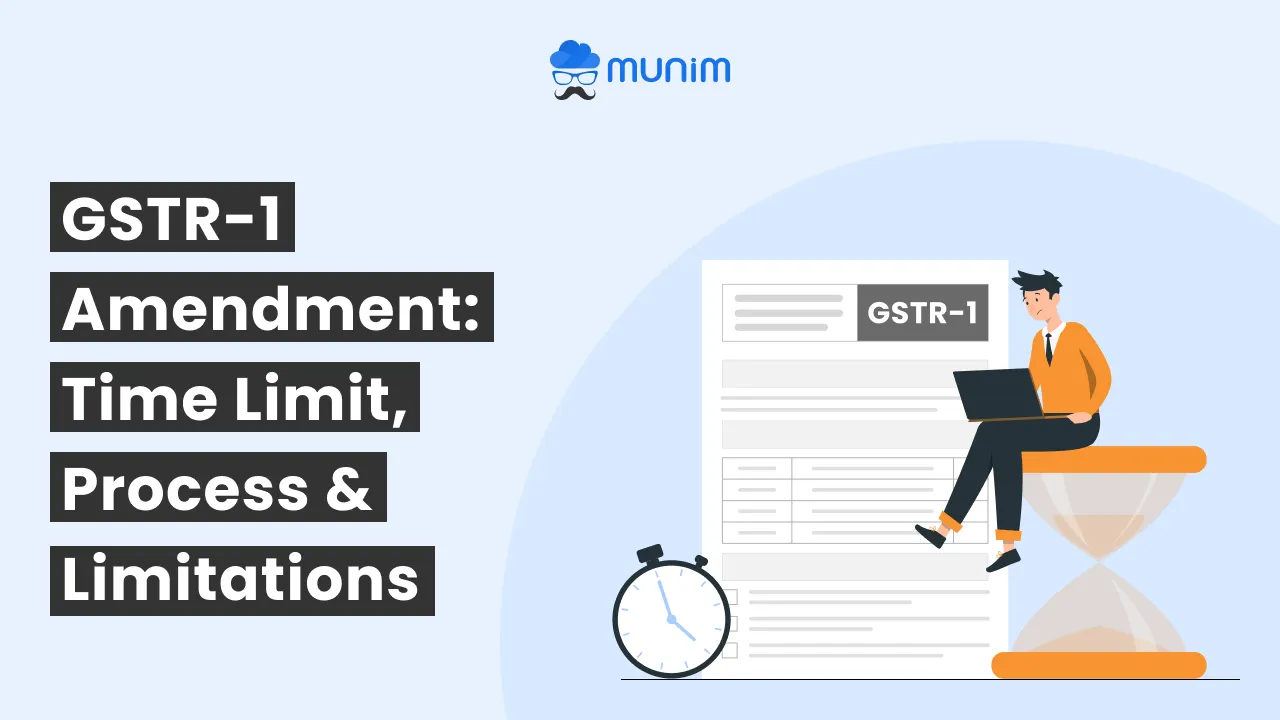
Did you file your GSTR-1 with incorrect invoice data? You’re not alone. A wrong tax rate, a mismatched GSTIN, or an inaccurate taxable value in a B2B invoice can cascade into ITC disputes, tax notices, and compliance headaches for both you and your buyer. The most common question CAs and SME owners ask at this point is: how to amend GSTR-1 after filing B2B invoices without triggering further compliance issues.
The good news is that the GST portal does allow amendments; within a defined time window. This guide covers everything you need: the GSTR-1 amendment time limit, the step-by-step portal process, what you cannot change, and how GSTR-1A works as an alternate route.
What Is the Time Limit to Amend GSTR-1?
Under GST law, you can amend details in a filed GSTR-1 up to 30th November of the succeeding financial year or before filing the annual return, whichever comes earlier.
For example, if you need to correct an invoice from FY 2024–25, the last date to amend it is 30th November 2025 or before you file your GSTR-9 annual return, whichever falls first.
Once this window closes, the incorrect details remain permanently on record. Tax authorities may levy interest or penalties if the error results in underpayment of tax. This is why it is strongly recommended to review all GSTR-1 returns filed during the year before submitting the annual return.
How to Select the Return Filing Period in GSTR-1 Amendment
The return filing period for an amendment depends on your GST filing frequency:
- Monthly filers: If you report the amendment in October, the return filing period is October.
- Quarterly filers (QRMP scheme): If you report the amendment in October, the filing period is the October–December quarter.
Selecting the wrong period can create mismatches in your GSTR-3B filing and affect your ITC calculations. Always double-check the period before proceeding.
Designed for Modern Tax Professionals
A premium filing solution for CAs and tax consultants who need speed, scale, and operational clarity.
 Handle multiple clients with ease
- Reconcile and validate with confidence
- Overcome the limitations of the GST portal
 Handle multiple clients with ease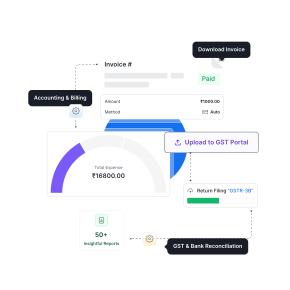
How to Amend GSTR-1 After Filing B2B Invoices: Step-by-Step Process
Here is how to amend GSTR-1 directly from the GST portal:
Step 1: Log in to the GST portal using your registered credentials.
Step 2: Go to Services → Returns → Returns Dashboard.
Step 3: Select the financial year and tax period for which you want to make the amendment.
Step 4: Click on “Amendment of GSTR-1”.
Step 5: You will be redirected to the amendments page. Navigate to the B2B invoices section and locate the invoice you want to correct.
Step 6: Click “Amend” next to the invoice. Edit the required fields and save the changes.
Step 7: Click “Preview” to verify the updated details before submission.
Step 8: Click “Submit” to file the amended GSTR-1 return.
Pro tip: Before submitting, cross-check your HSN/SAC codes and tax rates to avoid repeat corrections in future periods.
Details That Cannot Be Amended in GSTR-1
Not everything is editable after filing. GST law restricts certain fields at both the invoice level and the summary level.
At the Invoice Level
These changes are not permitted after the return is filed:
- Converting a tax invoice into a bill of supply
- Changing the Place of Supply or customer details in Credit/Debit Notes
- Modifying the GSTIN of the buyer
- Changing the applicability of Reverse Charge Mechanism (RCM)
- Changing the Type of Export “with payment” vs “without payment”
- Amending an invoice that the recipient has already accepted or acted upon in the Invoice Management System (IMS)
At the Summary Level
These details cannot be changed even at the consolidated level:
- Place of Supply in certain reporting conditions
- Summary of nil-rated supplies
- HSN code of outward supplies at the summary level
Knowing these restrictions upfront saves time and avoids filing an amendment that will simply be rejected.
Facing issues with incorrect invoices or data mismatches? Amend your GSTR-1 with Munim GST Software quickly and accurately.
GSTR-1A: An Alternate Route for GSTR-1 Amendments
In July 2024, the Ministry of Finance notified GSTR-1A; an optional return form introduced by the GST Council specifically for amending incorrect or missing details in GSTR-1 of the current tax period.
Why GSTR-1A Was Introduced
GSTR-1A ensures that corrected data flows accurately into your GSTR-3B, which determines your actual tax liability for the period. If you spot an error after filing GSTR-1 but before filing GSTR-3B, GSTR-1A is the faster correction path.
Key Points to Remember
- GSTR-1A is optional there is no penalty for not filing it.
- It can only amend details of the current tax period’s GSTR-1, not past periods.
- You must file GSTR-1A before filing GSTR-3B for that tax period once GSTR-3B is filed, GSTR-1A is no longer available.
- It does not add any new compliance burden; it simply provides a cleaner correction mechanism.
For CAs managing multiple clients, using purpose-built GST filing software makes it far easier to track amendment windows and avoid missing critical deadlines.
Impact of GSTR-1 Amendments on Your GST Returns
Amending GSTR-1 is not a neutral act, it has downstream effects on your buyers, your tax liability, and your compliance profile. Consider these before proceeding:
1. ITC Adjustments for Your Buyers
For B2B transactions, any change in taxable value or tax amount directly affects your buyer’s Input Tax Credit (ITC) claims. Reducing the tax amount will lower their eligible ITC. If the buyer has already utilised that ITC to offset their output liability, a sudden reduction can create a mismatch in their GSTR-3B filing. It is good practice to communicate with your buyer before making significant changes.
2. Effect on Your Tax Liability
Amending underreported sales increases your tax liability. Beyond the additional tax, you may also owe interest at 18% per annum calculated from the original due date of the return, plus a potential penalty. Use the GST Calculator to estimate the additional outflow before filing.
3. Legal and Audit Risk
Frequent amendments can raise scrutiny flags with GST authorities. A consistent pattern of corrections may trigger a notice or audit. The best safeguard is to validate all invoice data GSTIN, taxable value, tax rate, and place of supply before filing the original GSTR-1 return each month.
GSTR-1 Amendment: Quick Reference Summary
| Parameter | Details |
| Amendment Deadline | 30th Nov of next FY or before GSTR-9 filing (whichever is earlier) |
| Amendment Method 1 | GST portal → Amendment of GSTR-1 |
| Amendment Method 2 | GSTR-1A (current period only; before GSTR-3B) |
| B2B Invoice Amendment | Allowed with restrictions (GSTIN, RCM, Export Type cannot be changed) |
| GSTR-1A | Optional; no penalty for not filing |
| Key Impact | Affects buyer ITC, your tax liability, and audit risk |
File Accurate GST Returns – Every Time
The best way to avoid the amendment process entirely is to catch errors before you hit submit. Munim GST validates invoice data automatically, flags GSTIN mismatches, and helps you stay ahead of every return deadline — from GSTR-1 to GSTR-9.
Check out Munim pricing plans built for Indian SMEs, traders, and CAs who want reliable compliance without the complexity.
Frequently Asked Questions on GSTR-1 Amendments
How to amend GSTR-1 after filing B2B invoices?
Log in to the GST portal → go to Services → Returns → Returns Dashboard → select the financial year and period → click “Amendment of GSTR-1” → navigate to the B2B invoices section → click “Amend” next to the invoice → edit the required fields → save → preview → submit.
Can GSTR-1 be revised after filing?
Yes. You can amend GSTR-1 within the time limit 30th November of the succeeding financial year or before filing the annual return, whichever comes first.
Is it mandatory to file GSTR-1A?
No. GSTR-1A is an optional facility introduced to help correct GSTR-1 details before GSTR-3B is filed. There is no penalty for not filing it.
How to file GSTR-1A online?
You can file GSTR-1A online directly through the GST portal. It is optional and covers only the current tax period’s data.
Who needs to file GSTR-1A?
Taxpayers who want to amend or add missing details to their GSTR-1 for the same tax period and who have not yet filed GSTR-3B for that period.
What details cannot be amended in GSTR-1?
The GSTIN of the buyer, RCM applicability, Place of Supply in credit/debit notes, export type, conversion of a tax invoice to a bill of supply, and HSN codes at the summary level cannot be changed once filed.
Disclaimer: "This blog post is for informational purposes only. For specific tax advice related to your business, please consult a qualified Chartered Accountant or GST practitioner."
About the author

Mehul is a seasoned content writer with a passion for simplifying complex accounting and GST topics. With a keen interest in entrepreneurship and business management, he specializes in creating informative and engaging content for themunim.com. His goal is to help businesses understand and implement accounting and GST software solutions effectively. When he's not crafting content, Mehul enjoys exploring new places and spending time with his Golden Retriever.
Post Tags
Related Articles
Explore the latest market news, useful resources for business, and Munim updates.