
Free


Download ready-to-use, professionally designed quotation templates for your business. Whether you need a simple price quotation format or a fully GST-ready one, Munim provides editable templates that are 100% free.
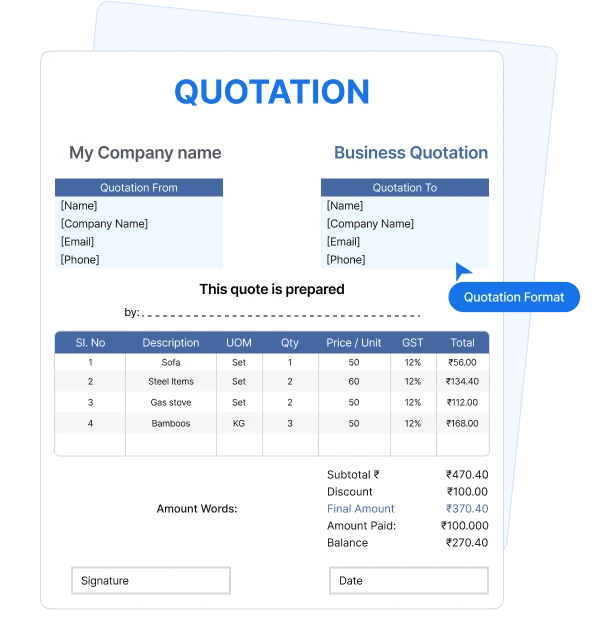
A quotation format is a structured document a seller sends to a buyer before a sale is confirmed. It lists the products or services on offer, along with quantities, rates, applicable taxes, and the total price the buyer can expect to pay.
A quotation is different from an invoice because it is not a demand for payment or a tax invoice. It helps the buyer review the price and terms before accepting the offer.
For Indian businesses, a GST-ready quotation format can include GSTIN, HSN/SAC codes, and the expected tax breakup. So, there are no surprises when the final tax invoice arrives.
A quotation is only as strong as the details it carries. Include these fields in your quotation
format to keep the offer clear, professional, and easy for your client to approve.

Business name, logo, address, contact information and GSTIN, where relevant.

A unique reference number and issue date for easy tracking.

The date until which the quoted prices and terms remain valid.

Customer or business name, address, contact information and GSTIN, where applicable.

Description of each item or service, quantity, unit rate and other relevant details.

Subtotal, discounts, applicable GST details, and final quoted amount.

What is included in the quoted price, and just as importantly, what is not.

Payment terms, delivery timeline, validity, additional charges and other commercial conditions.

A signature, authorised name, or acceptance section can be added when required by the business or customer.
From a GST-compliant quote to a plain rate list, the right quotation format depends on what you sell and who you
sell to. Here are the six most commonly used ones.
01
Use a price quotation format when the products, services, quantities and scope are already clear. It provides the buyer with a defined price for the proposed transaction.
A rate quotation format lists prices per unit without necessarily fixing the final quantity. It works well for tenders, rate contracts, and repeat supply orders.
02
03
Time-based layouts designed for consultants, agencies, and freelancers. Quotes hourly rates, day rates, or monthly retainers against a defined scope.
Fixed-scope, milestone-based layouts for interior, construction, IT, and event work. Breaks a large job into stages with a cost against each.
04
05
A simple quotation format provides a clean layout for businesses not registered under GST. It is best for transactions that do not need extensive terms or project details.
GST-registered businesses can use a GST-ready quotation format to show GSTIN, HSN/SAC codes, applicable GST rates and the expected CGST, SGST/UTGST, or IGST breakup.
06
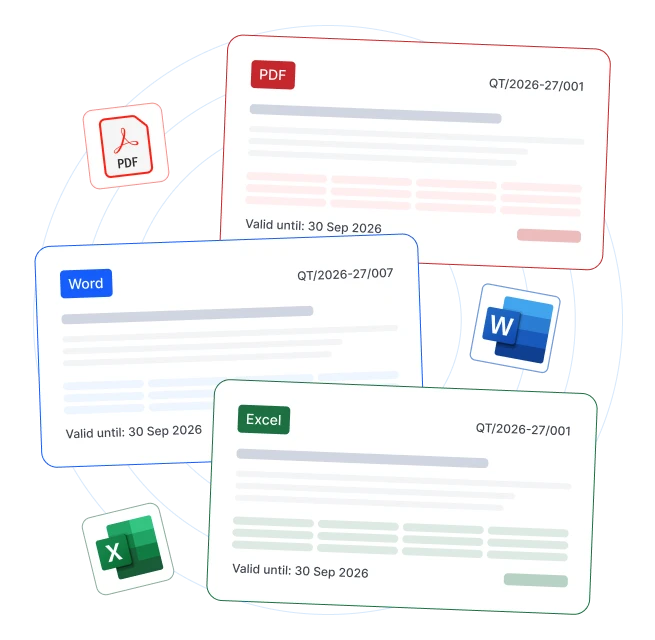
For your quotation, the right file type depends on whether you need calculations, detailed descriptions or a final document
for sharing. Make your next quote using the quotation template that best fits your needs.
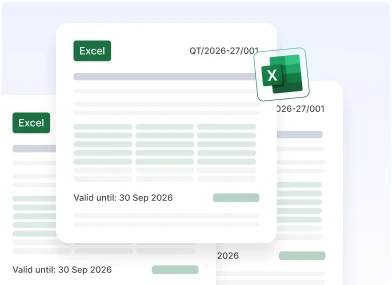
Best for multiple items and tax calculations. A quotation template in Excel helps manage quantities, discounts, GST, and automatic totals.
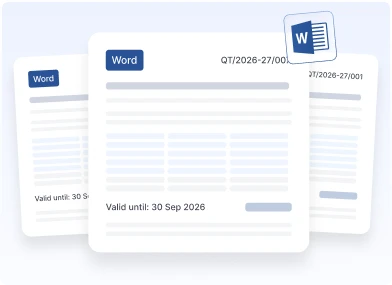
Ideal for service businesses needing detailed scope, terms, and custom branding. A quotation template in Word gives more flexibility for descriptions.
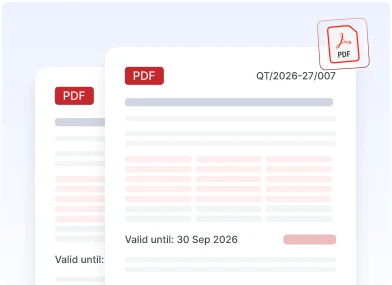
Best for sharing with clients once the deal is finalised. A quotation template in PDF keeps the layout, pricing, and details fixed across devices.
Start with a quotation format template, fill in the required details, and your quote is ready to send.
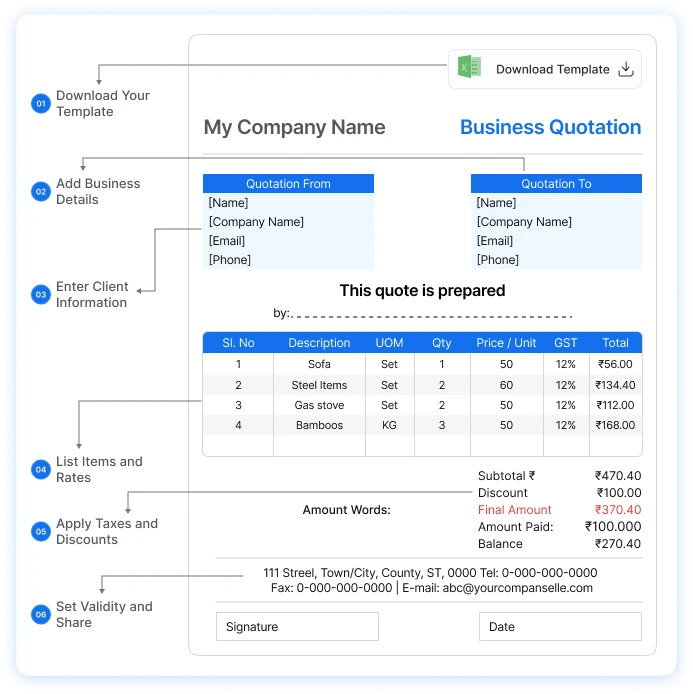
Follow these steps to turn a blank template into a client-ready quote:
Pick your preferred quotation format in Excel, Word, or PDF and download it instantly.
Insert your company name, logo, address, and GSTIN to establish brand identity.
Add the buyer’s name, address, and GSTIN where applicable.
Add each product or service with quantity, unit rate, and HSN/SAC code.
Calculate CGST, SGST, UTGST, or IGST based on the place of supply, then apply discounts.
Mention how long the quote stays valid, then send it by email or WhatsApp.
A quotation invoice format and a tax invoice look alike but sit at opposite ends of the sales cycle.
This table shows exactly where each document belongs.
| Feature | Proforma Invoice | Tax Invoice |
|---|---|---|
 Purpose Purpose | Conveys price details before the buyer commits to purchase. | Records a taxable supply and the amount charged to the buyer. |
 Timing Timing | Usually shared before an order or sale is confirmed. | Issued when required for a supply under applicable GST invoicing rules. |
 Payment Payment | It is not, by itself, a demand for payment. | Shows the amount payable for the supply. |
 Commercial Effect Commercial Effect | May become contractually significant when accepted, depending on terms or transaction. | Records the transaction and forms part of the commercial and tax documentation. |
 Accounting Accounting | Normally does not create an accounting transaction or affect inventory. | Recorded as a business transaction in the books of accounts. |
 GST GST | The quotation itself does not create GST liability. | GST treatment follows applicable time-of-supply and invoicing rules. |
 Input Tax Credit Input Tax Credit | A buyer cannot claim ITC merely on the basis of a quotation. | A tax invoice may support an ITC claim subject to GST eligibility and other applicable conditions. |
 Validity Validity | Valid for a stated period, after which it lapses. | Does not expire. It stays as a permanent record. |
 Amendments Amendments | Can be revised and reissued freely before acceptance. | Corrections must follow the applicable invoicing and GST documentation rules. |
 GST-Prescribed Contents GST-Prescribed Contents | GST law does not prescribe a specific quotation format. You can design it as you like. | Required particulars are prescribed under Rule 46 of the CGST Rules. |
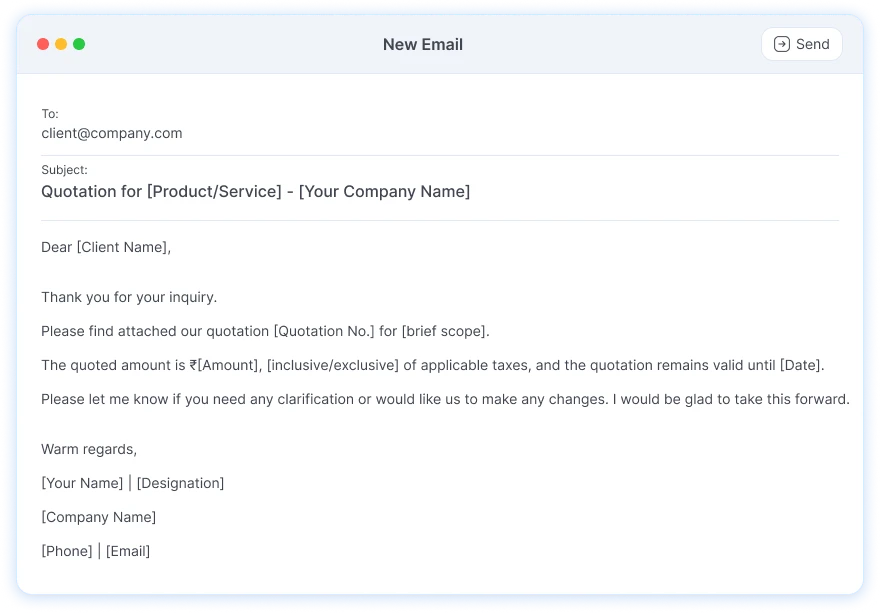
A strong quote can still be ignored if the covering email is unclear. Use this quotation mail format
when you share the document:
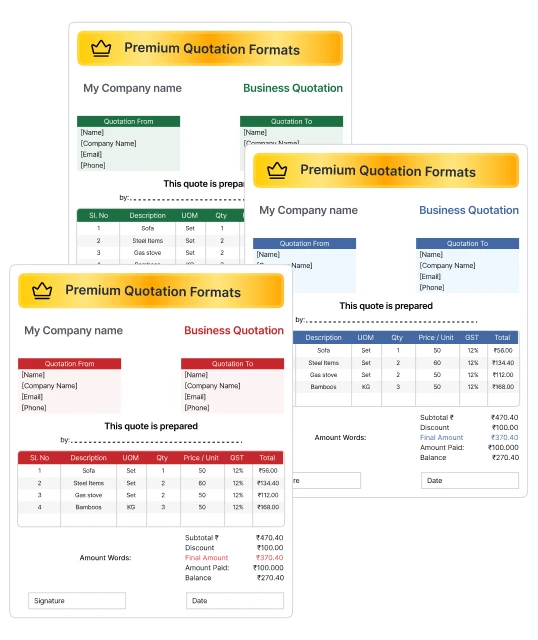
Stand out among competitors with Munim’s exclusive Premium Collection of quotations. These designs turn a routine quote into a strong first impression.

Sleek quotation designs that look nothing like a plain spreadsheet.

Match every quote to your brand with custom colour schemes, premium fonts, and flexible layouts.

A well-designed quotation signals professionalism and helps you win the deal.

Add customers, products/services, quantities, rates, discounts, taxes, and terms.

Calculate item amounts, discounts, GST, and final totals without complex formulas.

Turn an approved quotation into an invoice without re-entering a single line.

Identify quotations as Pending, Partially Done, Closed or Cancelled.
Create, share, track, and convert quotations into invoices – all from a single dashboard. The Munim app turns quoting into a one-click operation.

A quotation is shared while the buyer is still deciding. It sets out the offered items, rates, and terms so the buyer can compare options before committing. A proforma invoice comes later, after the terms are agreed but before the supply takes place.
Businesses often search for a quotation bill format or a quotation invoice format. In most cases, they need one of these two documents. The test is commitment: nothing agreed yet means the document is still a quotation.
Join thousands of satisfied users and experience the difference.
Talk To Sales or Support


